Encoding Support
Borno supports both standard Unicode and ANSI (Bijoy) output, making it easy to work with legacy software.
Toggling Encoding
- Unicode: Press
Ctrl + Alt + Vto switch to Unicode encoding. - ANSI: Press
Ctrl + Alt + Bto switch to ANSI encoding.
Visual Indicator
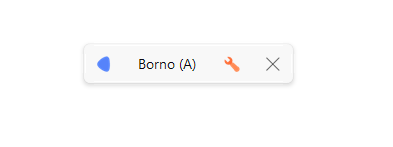
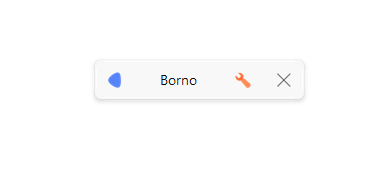
Borno provides a clear visual cue in the Topbar to help you identify which encoding is currently active.
Unicode Mode
By default, Borno uses Unicode encoding. In this mode, the layout name appears normally.
ANSI Mode
When you switch to ANSI encoding, an (A) is automatically appended to the layout name.