
Keyboard Shortcuts
Manage your typing experience with quick shortcuts.
Mode Switching
Toggle between English and Bangla layouts instantly using your keyboard. This allows you to switch languages without needing to use your mouse.
English Mode
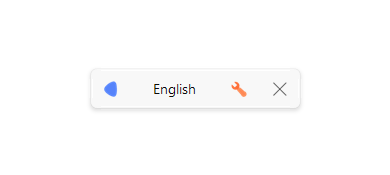
When English mode is active, the layout indicator will display "English".
Bangla Mode
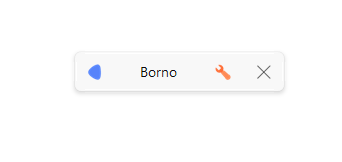
When you press the toggle key, Borno switches to your last used Bangla layout (e.g., Borno, Avro, National).
- Default Shortcut:
F10 - Customizable: You can change the toggle key in settings to any of the following:
F1,F2,F3,F4,F12Ctrl + SpaceAlt + Shift
Encoding & Mode Shortcuts
You can also use these shortcuts to quickly switch between encodings:
Ctrl + Alt + B: Switch to ANSI (Bijoy) encoding.Ctrl + Alt + V: Switch to Unicode encoding.
Pro Tip: Pressing these shortcuts twice (or when the encoding is already active) will also toggle between English and Bangla modes.