
Keyboard Layout Studio
Borno Keyboard Layout Studio is a powerful, web-based tool that allows you to design and build your own custom keyboard layouts for Borno Windows.
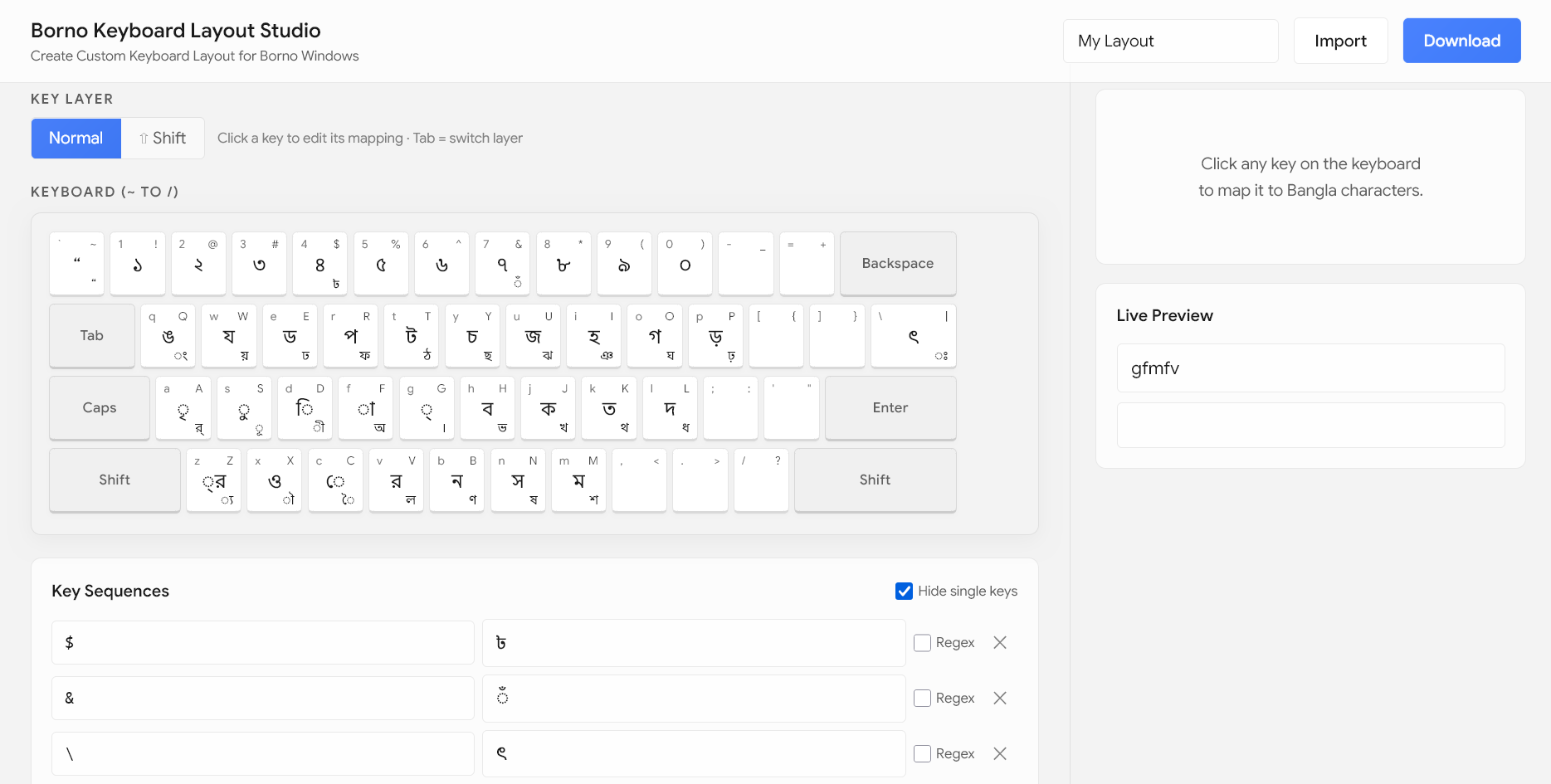
Create Your Own Layout
You can access the Studio at borno.kbls.codepotro.com.
Key Features
- Visual Mapping: Simply click on any key on the virtual keyboard and assign its normal and shift layer characters.
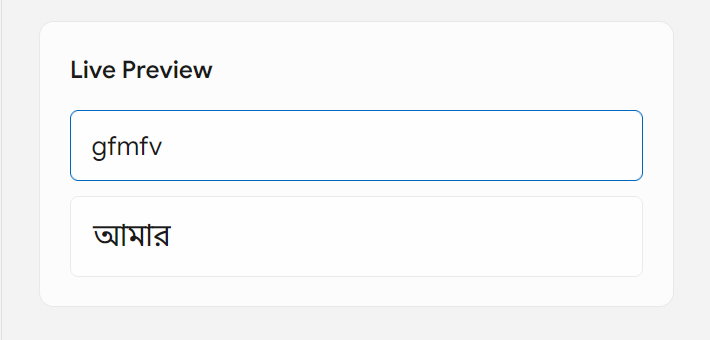
- Live Preview: Test your layout in real-time within the Studio's live preview area before exporting.
- Sequence Mapping: Define complex character sequences (like
ggfor Jukto-Borno) easily.
Installation
Once you are happy with your layout, follow these steps to install it in Borno:
- Export: Click the Download button in the Studio to export your layout as a
.bornolayoutfile. - Install:
- Drag & Drop: Simply drag the
.bornolayoutfile onto the Borno Topbar. - Double Click: Alternatively, just double-click the file to install it automatically.
- Drag & Drop: Simply drag the